
Search Kanabec County Cases by Name
No case number in hand? Use MCRO Case Search and pick Name mode, choosing Person or Business as fits. For a person, fill in the Last, First, and Middle fields. The Kanabec County search expects all of them. Business names run through the same workflow. But abbreviations, punctuation, and legal suffixes can throw off a match. To keep the results on the local District Court docket, select Kanabec County under Court Locations. That narrows the search instead of pulling the whole state.
- Open MCRO Case Search and select Name, then Person or Business for the Kanabec County lookup.
- Enter the known Kanabec County name fields and try exact spelling before considering a careful variant.
- Set Court Locations to Kanabec County and add a category, filed-date, or status filter when lawfully known.
- Open each plausible Kanabec County result and verify the case title, court location, filing date, parties, and status.
| Field Label | Type | Required | Kanabec Search Note |
|---|---|---|---|
| Search Mode | Selection | Yes | Choose Name for the Kanabec County lookup; other modes are Case Number, Citation Number, and Attorney. |
| Name Type | Selection | Yes in name mode | Person or Business determines the Kanabec County name-search form. |
| Last / First / Middle | Text | Name search | Use exact Kanabec County spelling first; punctuation and middle-initial variants can matter. |
| Wildcard or Sounds Like | Search option | No | A Kanabec County trailing wildcard follows at least two characters; it cannot be combined with Sounds Like. |
| Date Filed / Category / Status | Filter | No | Use a known Kanabec County filing window, case category, and live status choices to narrow results. |
| Court Locations | County selection | No | Select Kanabec County for a county-focused result list. |
The official MCRO Case Search shows the name-search controls a Kanabec County case lookup relies on.
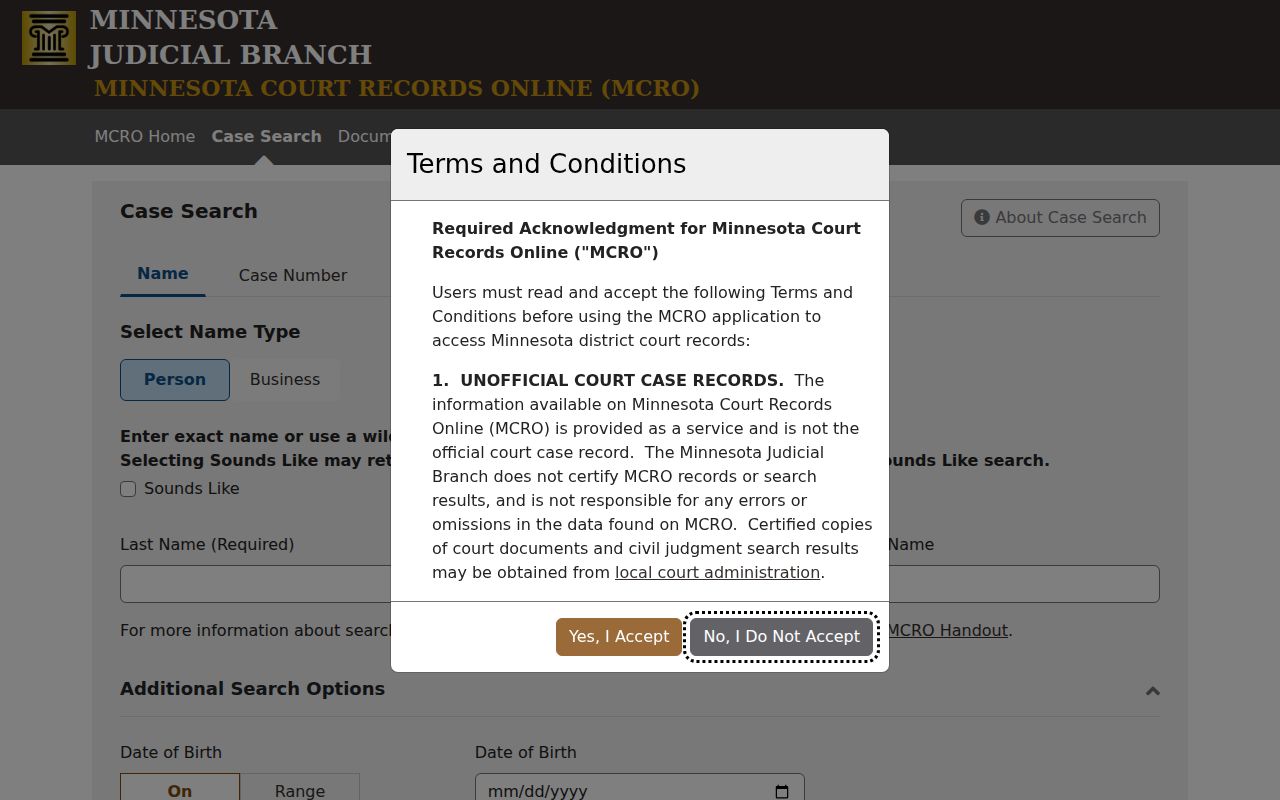
Once the form returns results, open the likely match. Confirm it in Case Details instead of trusting a similar spelling. One gap matters here. A pending Kanabec County criminal, traffic, or petty-misdemeanor matter with no conviction can be missing from a defendant-name search. The full case number finds it right away. So whenever a Kanabec County court notice or citation number is available, use that first. It leads straight to the correct docket.
Kanabec County Case Search Modes
Kanabec County MCRO gives you four Case Search modes. They are Name, Case Number, Citation Number, and Attorney. A citation-number search needs the complete Kanabec County citation number, nothing partial. Attorney mode takes a name plus a full bar number; a partial bar number triggers an error. Keep in mind these are just different routes to the same cases, not separate databases. Name searching carries optional controls. You can add a wildcard after at least two characters, use Sounds Like, filter by date of birth, set an exact or ranged filed date, narrow by case category and status, and choose statewide or Kanabec County court locations. Wildcard and Sounds Like cannot be combined. Use a date of birth only when you lawfully know it, and never reuse one pulled from a Kanabec County court result. The Minnesota Judicial Branch MCRO access overview explains the remote-record system behind Kanabec case lookup.
Access to Kanabec County MCRO is free for the records and documents it can show. Remember that it is an unofficial view of the court record. It is not a certified Kanabec County copy. For running queries, Find executes the search and Clear resets before a new one. Sorting can tidy the results afterward. Still, the court location and the case details matter most. Those are what tie any result to a real Kanabec County docket.
Search Kanabec County Cases by Number
The surest route to a Kanabec County court case is the complete case number. Type it exactly as the court notice shows it. Dashes and leading zeroes are fine in Kanabec County MCRO, but spaces are not. Skip invented formats from other case types and use the identifier the court actually assigned. COMPLETE-CASE-NUMBER is the pattern to aim for. Dashes or leading zeroes may appear, yet no spaces belong in it. A full number also reaches pending Kanabec County criminal, traffic, or petty-misdemeanor matters that a defendant-name search can miss. After the search, open Case Details. Confirm Kanabec County as the court location.
Kanabec County Case Document Search
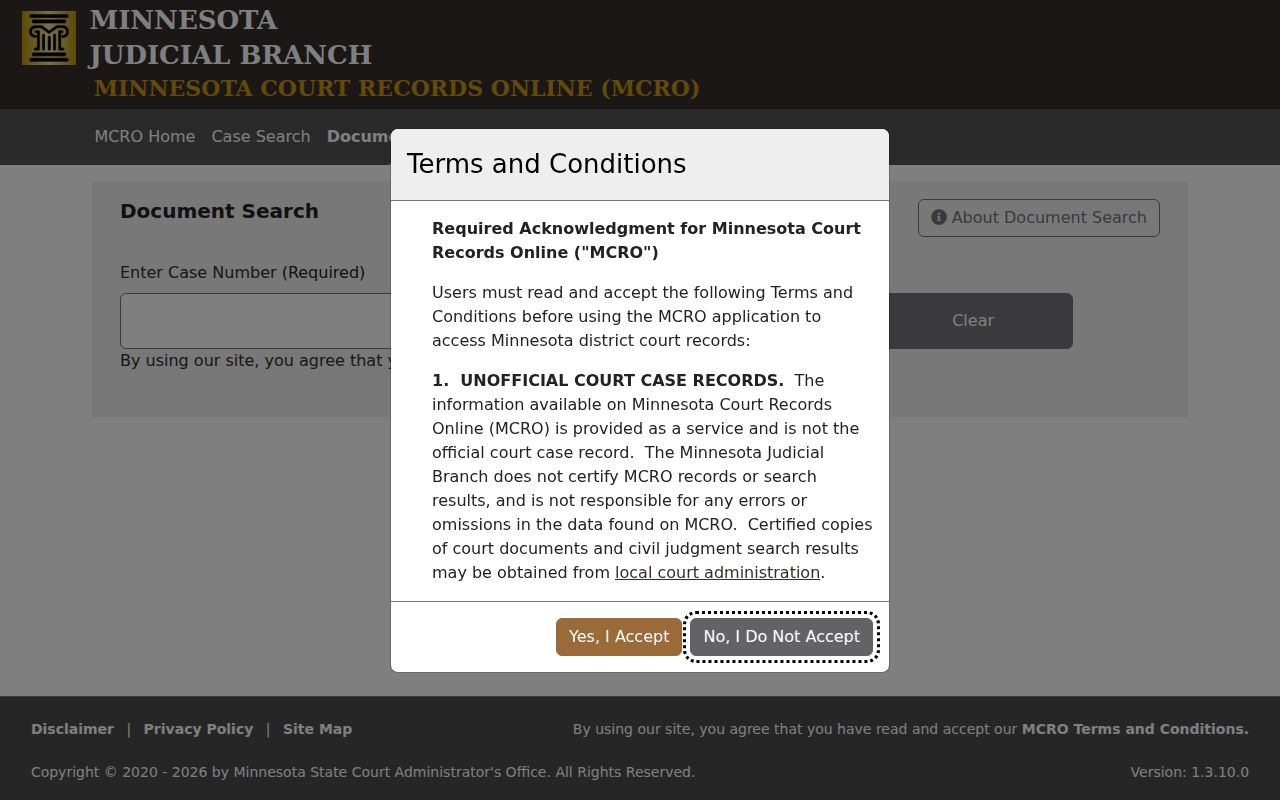
Document Search works only when you already have a case number. It cannot find a Kanabec County case by name. Instead, take the full case number to MCRO Document Search, where eligible Kanabec County public documents can be viewed or downloaded with no MCRO document fee. When you need one specific filing or order, check the document index numbers in the Kanabec County Register of Actions first. That index points to the exact document worth requesting in this court record.
The official MCRO Document Search displays the case-number controls for a Kanabec County case lookup.
A missing document button on a public Kanabec County case event proves nothing. The item may be restricted, fall outside date and type coverage, or simply not be digitized. None of that means no document exists.
What a Kanabec County Case Search Shows
A Kanabec County MCRO search can return up to 200 results. They arrive Newest First by default. An Oldest First option exists too. Each card names a case and opens its docket record through Case Details. Inside, you may find an Overview, Case Information, Party Information, warrants, charges, interim conditions, and assignment. Case Events, Hearings, Dispositions, Bond/Bail Activity, Financial Information, and public documents can appear as well.
| Case Number | The Kanabec County court-assigned identifier used for the most precise follow-up search. |
|---|---|
| Case Title and Parties | The Kanabec County caption and party roles used to distinguish similar names. |
| Case Type and Court Location | The procedural category and Kanabec County court associated with the record. |
| Filed Date and Status | Dates and Kanabec County case condition that help identify the right file; “Open” or “Closed” is not a merits result. |
| Register of Actions | The chronological index of Kanabec County filings, events, hearings, orders, and available documents. |
Read a Kanabec County docket with care. A charge is only an allegation. A hearing listed on the calendar is not proof it happened. A financial balance can shift as later credits and entries post. A document index links an event to an available filing. Yet an event can remain public even when its attachment is not visible remotely. Before drawing any conclusion, read the Kanabec County disposition, order, or judgment detail itself.
Kanabec County Case Hearing Search
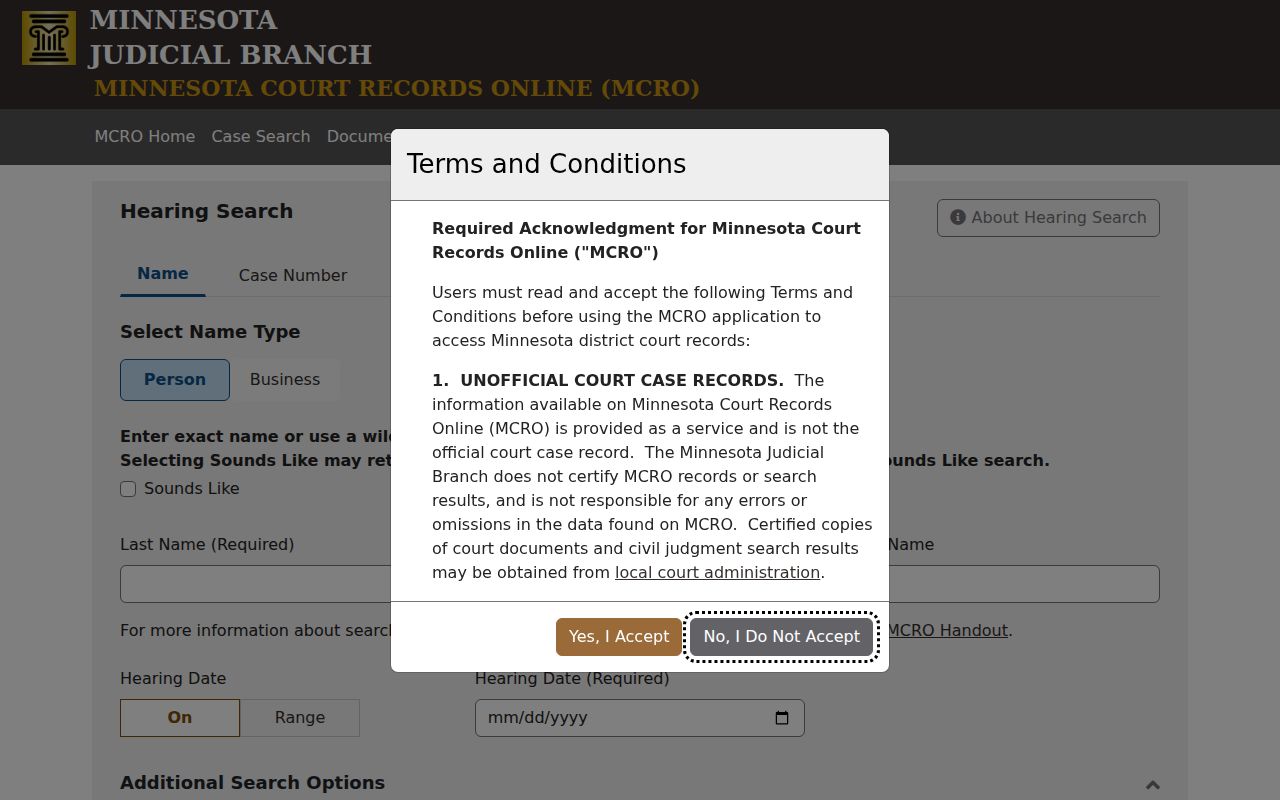
Need a hearing date? The Kanabec County daily calendar or MCRO Hearing Search will answer it fast. Hearing Search lets you query by Name, Case Number, Judicial Officer, or Attorney. You can narrow a Kanabec County court docket by hearing date. Choose an exact date or a range. Filter by category and by county too. Each result card names the hearing type and date. It also links straight back to Case Details for the fuller record.
The official MCRO Hearing Search shows the date and county filters that matter for a Kanabec case lookup.
A hearing line on a docket is only an index entry. It is not a ruling. For the latest Kanabec County court date, the Kanabec daily calendar posts at 7:00 a.m. on business days and updates hourly, though the courthouse displays stay the most current source for the day.
Kanabec County vs Statewide Case Search
MCRO is one statewide Minnesota system. It is not a Kanabec-only portal. Picking Kanabec under Court Locations just filters the same statewide docket search by county. When you know the case belongs to the local court, start there. The county may be unclear at times. A statewide lookup also helps when you must check court locations more broadly.
| Statewide MCRO Search | Kanabec-Focused MCRO Search |
|---|---|
| Searches eligible records across Minnesota court locations. | Uses the Court Locations filter to select Kanabec. |
| Useful when the filing county is not known. | Useful for a known Kanabec District Court case. |
| Can produce more name matches that require careful location checks. | Reduces the result list, but still requires confirmation in Case Details. |
Neither remote view substitutes for the public terminal at the courthouse or a certified copy from the clerk. The county filter helps narrow a docket search. It does not promise that every public court record or attachment is reachable from home.
Kanabec County Case Judgment Search
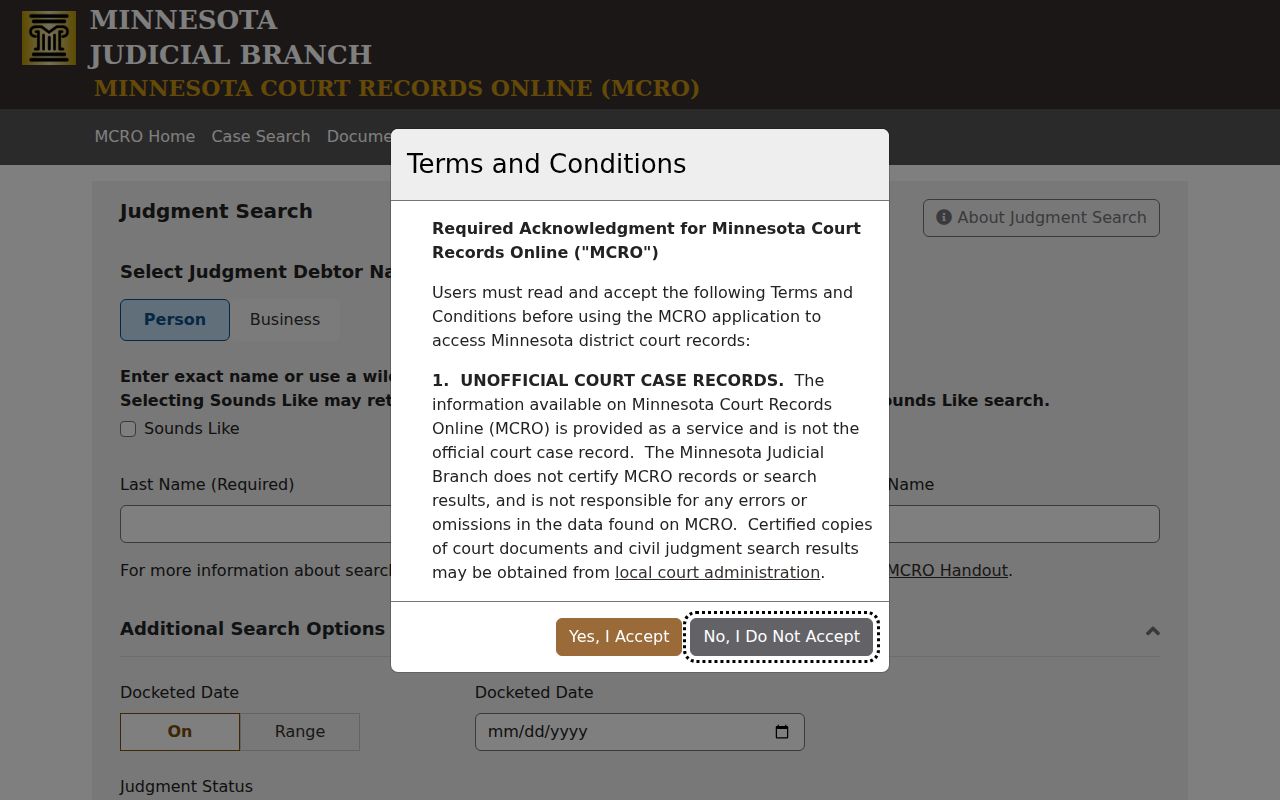
Chasing a docketed money judgment? Start at MCRO Judgment Search. You can search a judgment debtor by name with exact, wildcard, or Sounds Like matching. The tool also filters by docketed date, single day or range, and judgment status. It also narrows by county location. Judgment Details can list case information, judgment parties, judgment details, and satisfactions where collected.
The official MCRO Judgment Search is the judgment-focused route for an eligible Kanabec case.
A satisfaction means the judgment was later paid, in whole or in part. The judgment itself stays on the Kanabec County court docket as history. Check the full case record before you lean on any single entry.
Kanabec County Restricted Cases and Access Rules
Court-record access in Minnesota runs through the Rules of Public Access. It is not just the general public-data statute. Rule 1 sets the scope. Rule 2 creates the presumption that records are public. Rule 4 lists confidential and nonpublic material along with sealing. Rule 8 sets the remote-access tiers. General Rule 11 further limits how protected identifiers are displayed on a court docket.
Some records simply never appear online. Juvenile, domestic-abuse, harassment, commitment, CHIPS, sealed, and other protected matters all carry restrictions. Family and post-adjudication paternity files have narrower document coverage. A blank docket search result or a missing document button does not prove the case or paper is absent. Never try to get around a seal or redaction. A party can use the authorized filing process for confidential material. A nonparty should ask Court Administration which access form or court order applies.
Kanabec County Case Access Alternatives
Remote MCRO can leave a public-record question open. The Kanabec courthouse then offers MNPAC, a Minnesota Public Access terminal with broader electronic reach. Kanabec County Court Administration backs that terminal, handles paper-record and copy requests, and answers calendar questions. The official Kanabec court page lists the local court contact, including 320-679-6400. The Kanabec court contact route works for general questions.
A mailed copy request goes faster with details included. Give the case number, case title or party, document name, date or index number, copy type, return address, and a daytime phone. Allow about five days. The Tenth District records guidance walks through terminal, counter, mail, and transcript routes. Note that Minnesota eFile and eServe serves authorized filing and service only. It is not a public case lookup tool.
A case may have older, restricted, or missing remote material. Ask Court Administration which access route fits. Do not treat an online no-result as the end of the search. Records drop out of remote results for several reasons. The list includes digitization coverage, retention or destruction schedules, a legacy-number format that differs, or an access restriction. Staff can explain process and availability, though not legal advice.